ON THE PHONE
Step 1:
Go to Play Store / App Storage, Search the Dynamics 365 Business Central.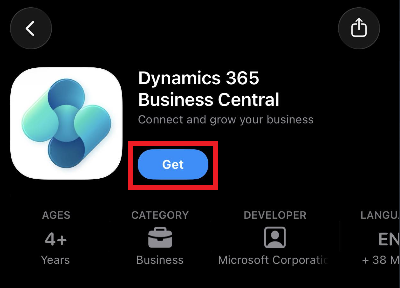
Step 2:
After installed the Application, Sign in using your Account.
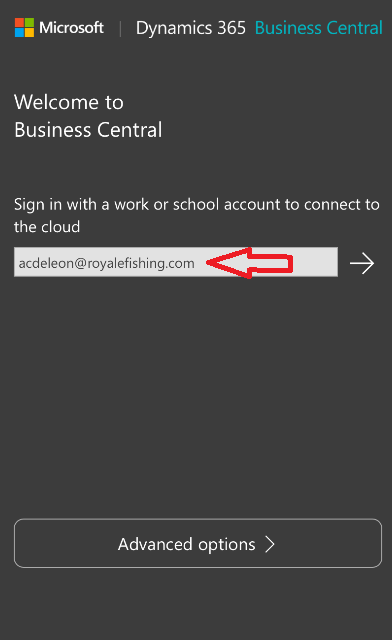
Step 3:
Enter your Email Password and Authenticator Code on Phone to proceed.
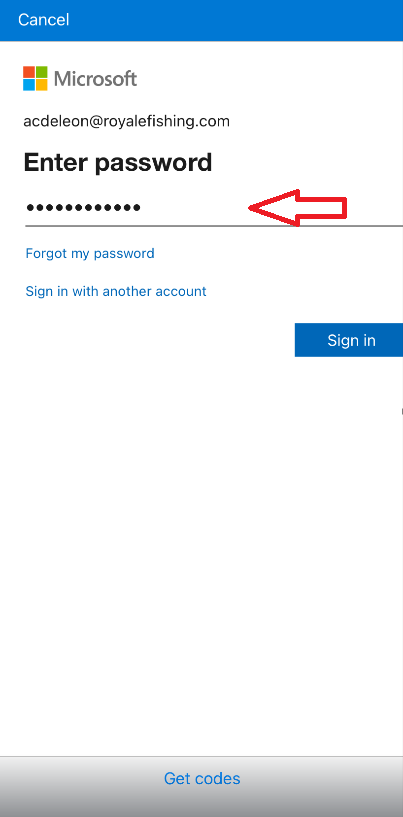
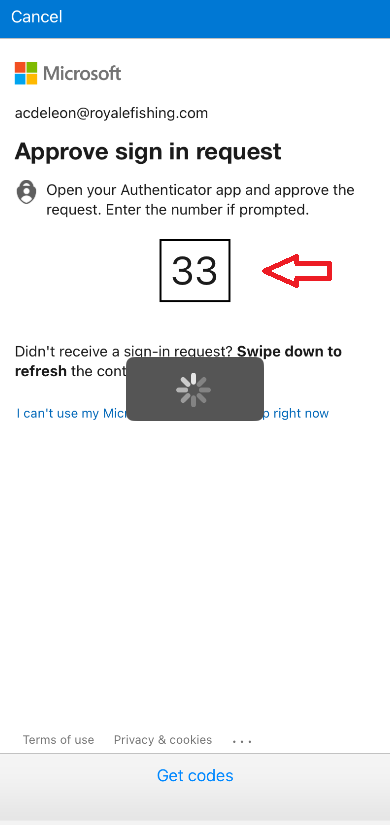
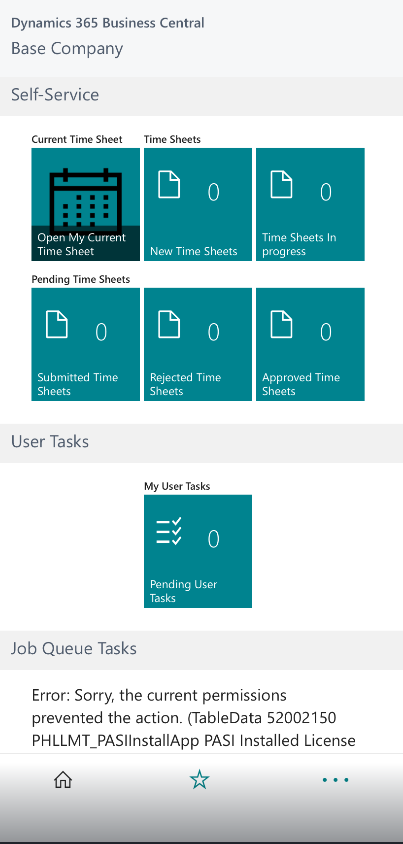
Step 4:
Dash Board of Dynamics 365 Business Central using Phone
Was this article helpful?
That’s Great!
Thank you for your feedback
Sorry! We couldn't be helpful
Thank you for your feedback
Feedback sent
We appreciate your effort and will try to fix the article